

LLM-powered agents can already handle surprisingly complex work. They can write deep research reports, refactor large codebases, and complete long multi-step workflows with very little supervision. But when it comes to using a browser to take actions on websites, they still fail far too often.
Not on benchmarks. In production.
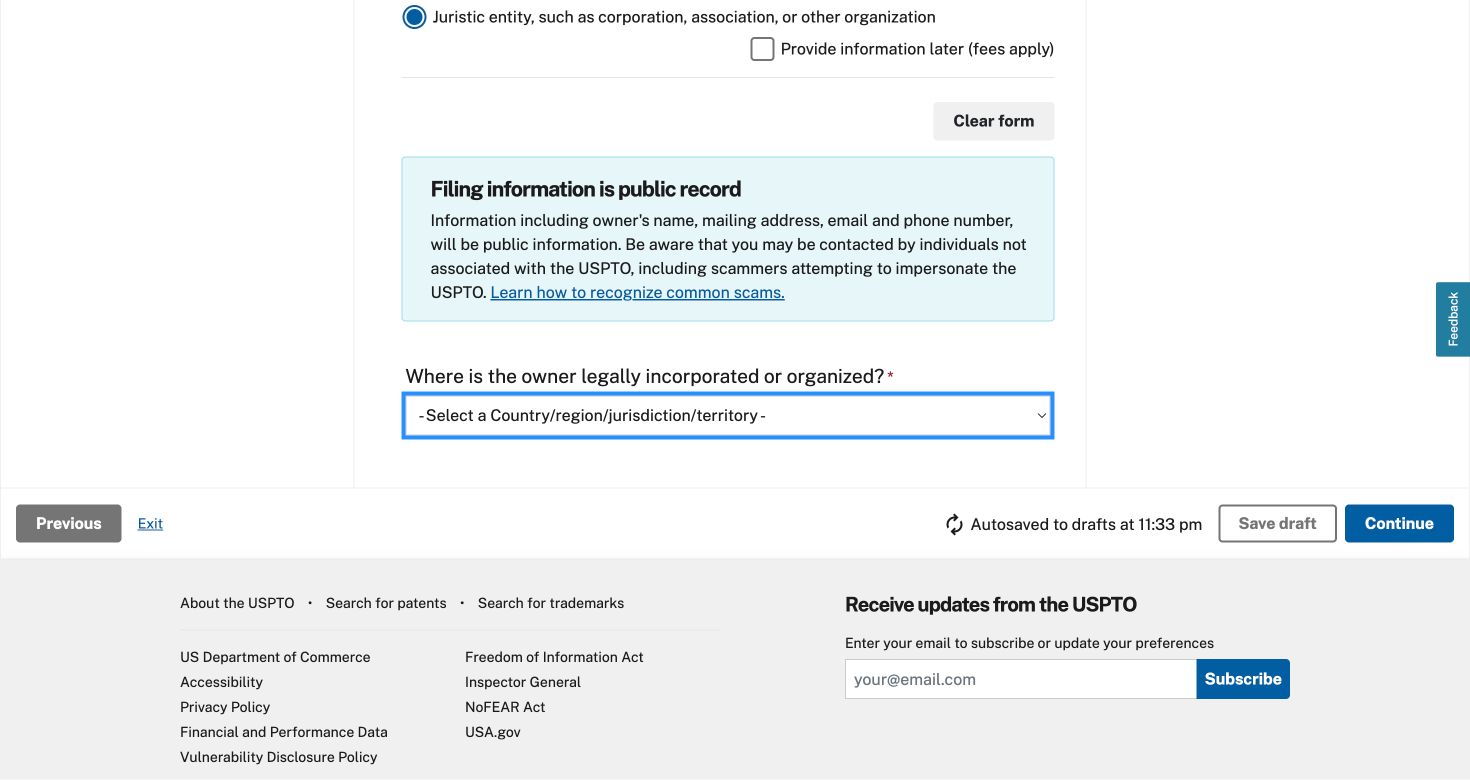
A real website is still enough to break most agents. A dropdown. A dynamic form. A page that streams content after load. The issue is usually not reasoning. It is the web itself.
There are three reasons for this.
First, the modern web was built for rendering, not for agent execution. HTML, JavaScript, and CSS are only part of the picture. Today’s websites also rely on virtual DOMs, streaming components, client-side state, and dynamic loading. These systems make websites fast for humans, but much harder for agents to understand and interact with reliably.
Second, LLMs are stateless. After every step, they need a fresh screenshot or snapshot of the page to understand what changed and decide what to do next. That loop is repetitive, slow, and expensive.
Third, most of the information on a webpage is irrelevant to the task. Ads, feeds, layout scaffolding, and noisy DOM structures do not help an agent extract information or complete an action. They just waste tokens and dilute attention.
The result is a browser automation stack that is brittle, slow, and costly.
Why we built Actionbook
We built Actionbook around a simple belief: agents already know how to use the web. What they lack is a reliable interface.
That is why Actionbook does not store website content. Instead, we build and cache the structural layer agents actually need: action manuals, DOM structure, and rendering behavior. With that layer in place, an agent can decide for itself what information to retrieve, which elements to interact with, and how to complete the task.
The Actionbook CLI exposes three core interfaces:
- Search Actions — find the actions available on a given website
- Get Manuals — retrieve the manual, DOM structure, and rendering behavior for a specific action
- Browser — execute actions directly in the browser through the underlying CDP protocol
With Actionbook, agents no longer need to guess how a site works or get lost in the complexity of the modern web. They can understand the interaction model first, then act.
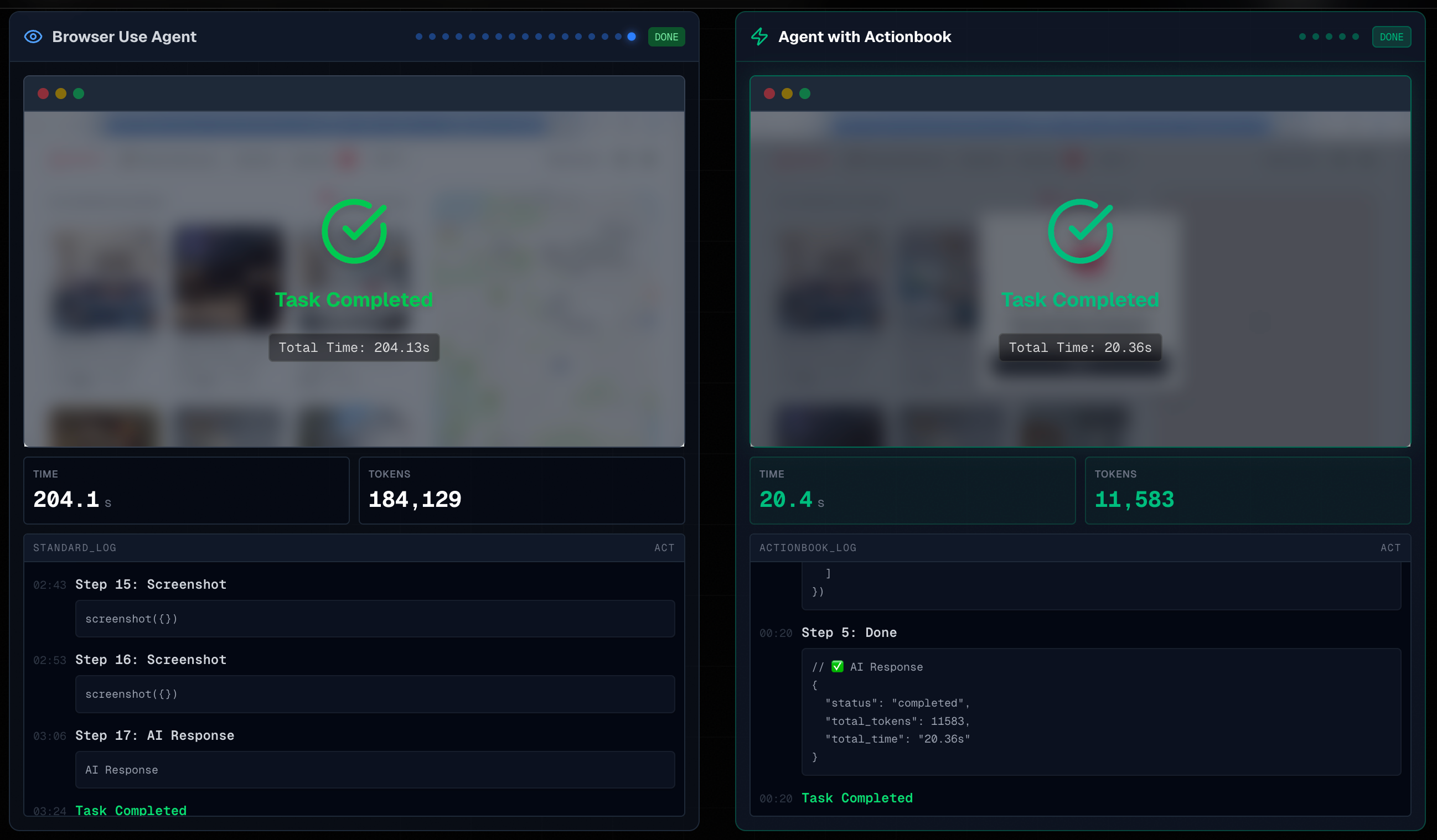
In practice, this means more than 10x faster execution and a major improvement in real-world reliability.
From one-off actions to reliable automation
Actionbook is not just useful for one-off browser tasks.
When the same workflow needs to run repeatedly, agents can use Actionbook to understand how a site works, analyze the interaction model, and generate scripts that are far more robust than naive browser automation.
That turns a fragile interaction into a repeatable workflow.
Get started
Installing Actionbook takes one command:
curl -fsSL https://actionbook.dev/install.sh | bash
Once installed, your agent gets a much more reliable way to operate a browser.
Learn more
- CLI Source Code: https://github.com/actionbook/actionbook
- Community: https://actionbook.dev/discord
- X: https://x.com/ActionbookHQ
Ready to build your playbook?
Join our Discord to share your use case and get direct guidance from the Actionbook team.